-
Shop
- Adidas
- Advanced Technologies
- Apple Accessories
- Best-Sellers
- Car Accessories
- Dating & Social Skills
- Digital Resources
- AI Skills
- Beauty
- Car Buying & Ownership
- Cozy Feast Collection
- Electronics & Technology
- Financial Education
- Hobbies
- Home Styling & Organization
- Mindset
- Online Business
- Parenting & Child Development
- Personal Style & Fashion
- Pet Lifestyle & Wellness
- Smart Life with AI
- Travel Planning
- Wellness
- Yoga & Fitness
- Education & Learning
- Family & Parenting
- Fashion
- Alexander McQueen
- Bags
- Bags & Wallets
- Balenciaga
- Belts
- Blazers
- Blouses & Shirts
- Bottega Veneta
- Brunello Cucinelli
- Burberry
- Chanel
- Chloé
- Dior
- Dolce & Gabbana
- Dresses
- Etro
- Fendi
- Gucci
- Hats & Hair Accessories
- Jacquemus
- Jewelry
- Jil Sander
- Keychains
- Kiton
- Luggage
- Luggage Bags
- Miu Miu
- Off-White
- Outerwear
- Prada
- Rick Owens
- Saint Laurent
- Socks & Tights
- The Row
- Tom Ford
- Valentino
- Valentino Garavani
- Versace
- Vivienne Westwood
- Watches
- Furniture
- Gadgets
- Health & Beauty
- Health & Wellness
- Home & Garden
- Kids & Babies
- Kitchen
- Lighting
- Patio, Lawn & Garden
- Personal Growth
- Pet Care
- Pet Supplies
- Pets
- Shoes
- Sport & Outdoors
- Stress Relief & Relaxation
- Travel
- Wealth
- Popular
- Best deals
Does Smart WiFi Really Work? Reliability & Fixes
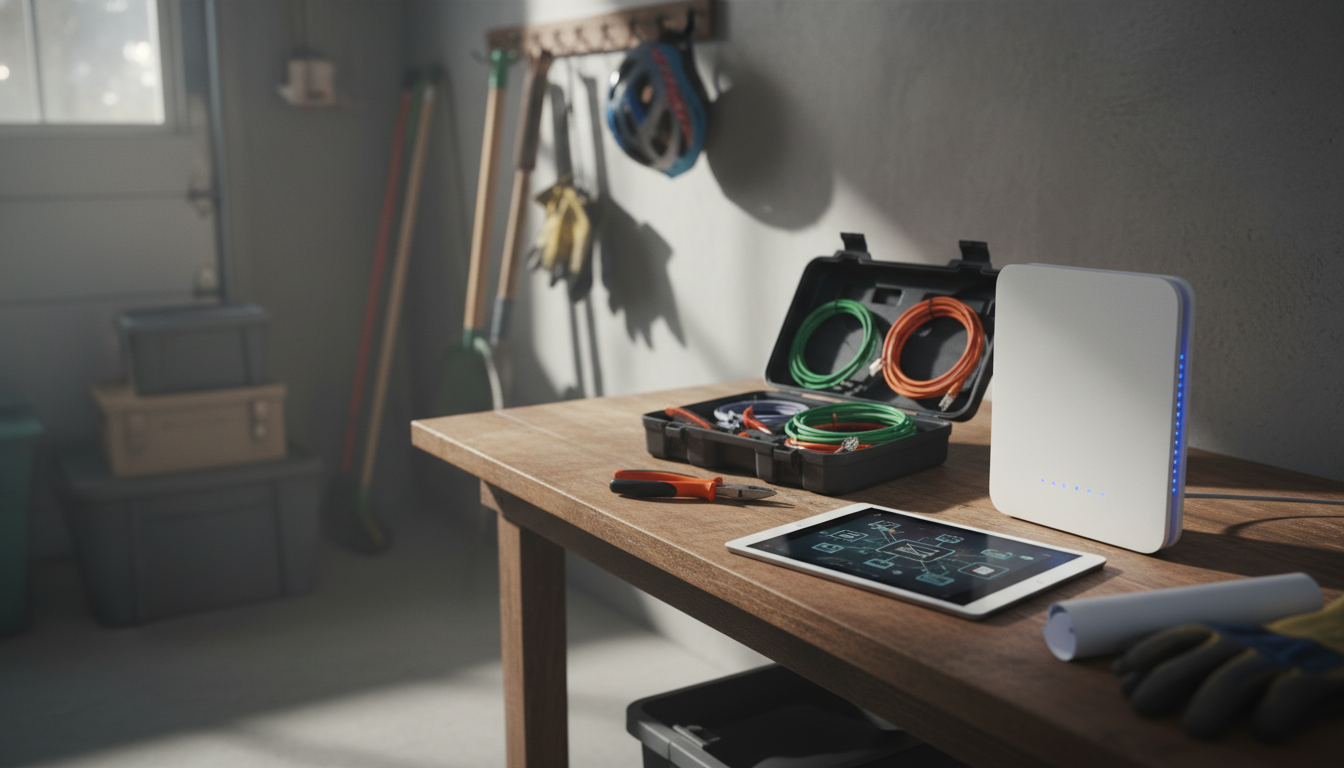
Does smart WiFi really work?
Yes—smart WiFi works reliably when the basics are set up correctly: solid signal where the device is installed, a compatible router, and a stable internet connection. “Smart WiFi” usually means a device can join your home network and then be managed through an app, cloud service, or local network controls. When those pieces line up, the experience is straightforward: remote access, instant alerts, and simple automation from a phone or voice assistant.
How smart WiFi devices work in real homes
Most smart WiFi products connect to a 2.4GHz WiFi band because it travels farther and penetrates walls better than 5GHz. After pairing, the device communicates with an app for settings, notifications, and user management. If the device uses cloud connectivity, you can control it from anywhere; if it supports local control, it can still function on the home network even if the internet drops (features vary by product).
When smart WiFi feels “flaky” (and how to fix it)
Issues blamed on “smart WiFi not working” typically come down to environment or configuration, not the concept itself. Common causes include weak signal in the installation spot, interference from dense walls or appliances, using the wrong WiFi band, or router settings that block new devices. Practical improvements include moving the router or adding a mesh node, using the 2.4GHz network for smart devices, keeping firmware updated, and ensuring the device gets consistent power.
Smart WiFi for security and control
Security-focused smart WiFi products can be especially effective because they combine connectivity with real-time monitoring and access control. For example, a smart alarm panel can centralize sensors, send alerts to your phone, and offer app and voice control—useful for daily convenience and faster response when something’s wrong. Some models also support cellular backup (like 4G) so the system stays connected even if WiFi or broadband fails.
Learn more about smart alarm panels and connectivity options
For a closer look at a WiFi-enabled smart alarm panel with app control, voice features, and optional 4G connectivity, see this guide: https://lurican.com/guide-7-inch-smart-alarm-panel-wifi-4g-app-voice-control/.
FAQ
What’s the difference between WiFi-only and WiFi + 4G smart security devices?
WiFi-only devices rely on your home internet, while WiFi + 4G models can keep sending alerts and staying reachable if your router or broadband goes down. The added cellular path can improve reliability during outages.
Recommended for you


Talk & Connect Workbook: Better Parent-Child Talks
May 24, 2026
Smart Self-Cleaning Litter Boxes for Multi-Cat Homes
May 24, 2026







Leave a comment